The Receiver
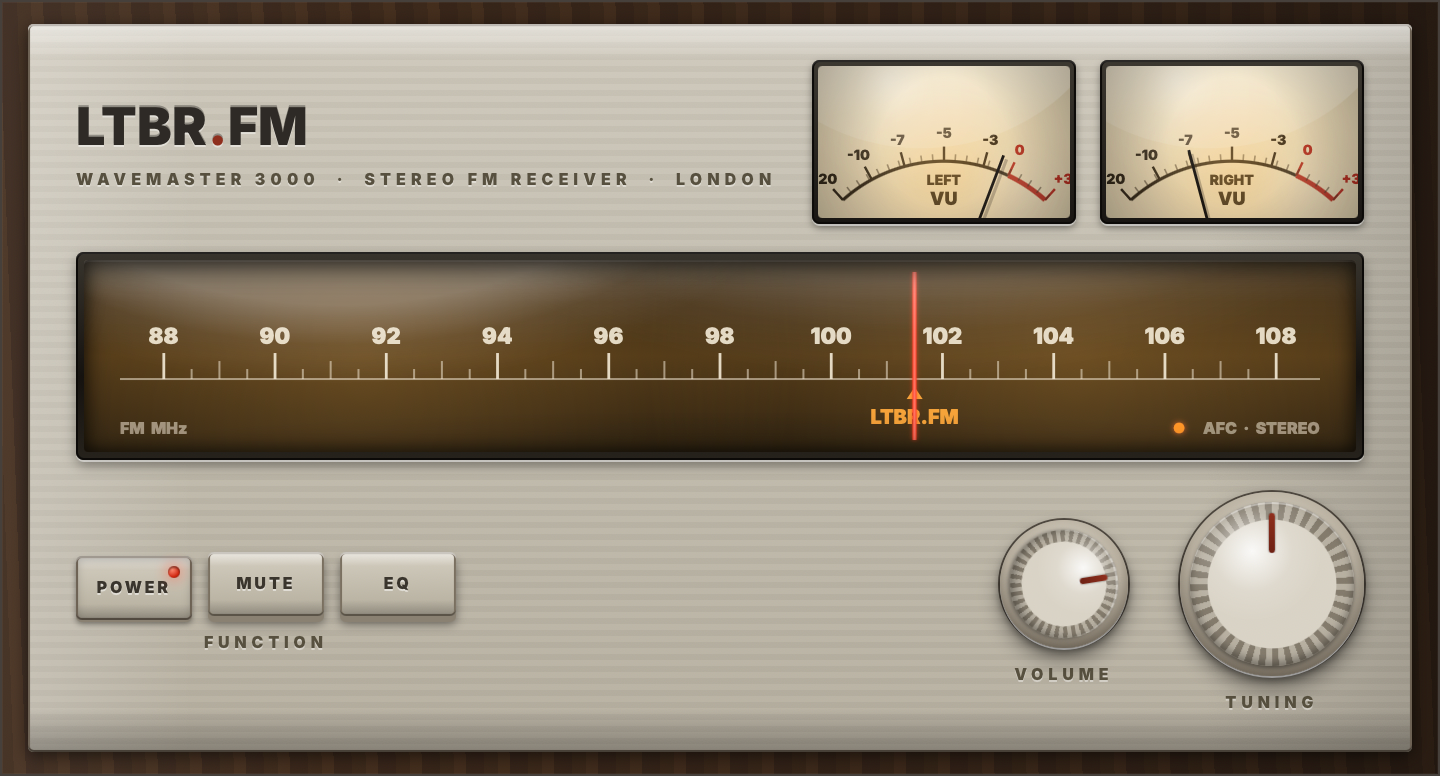
A little radio for your computer. Open it, and LTBR·FM is already playing — warm lamplight, swinging needles, no browser tab to lose. Free, for Windows, Mac and Linux.
The Digital Face
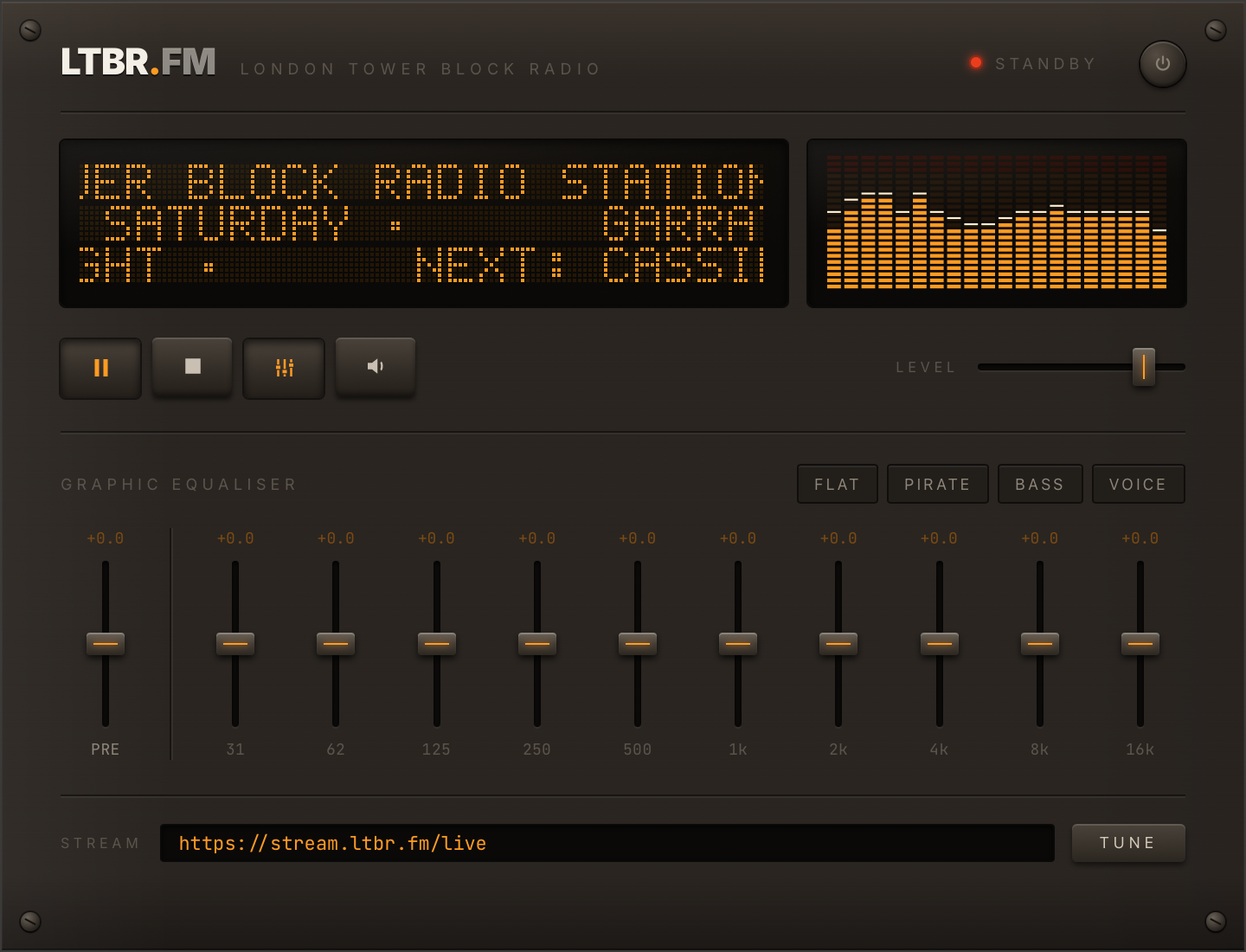
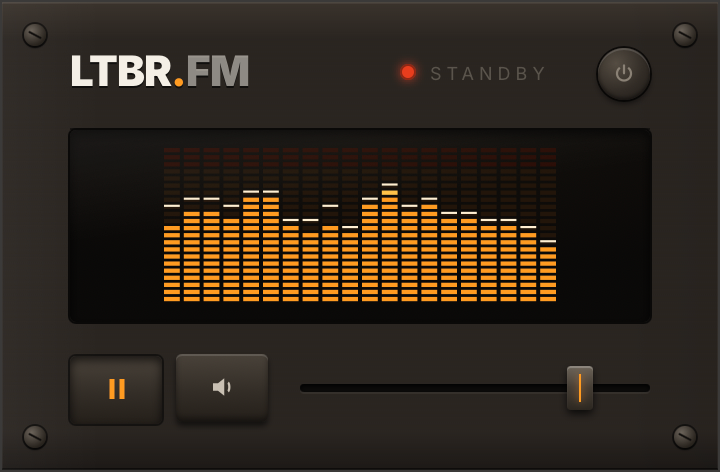
Same Receiver, different decade. Flip it over and the walnut gives way to amber-on-black: a dot-matrix display scrolling what's playing, a spectrum analyser dancing along, a 12-band graphic equaliser — and a STREAM box that tunes into any station URL you paste in.
It just plays
No account, no playlist, no decisions. Open the Receiver, press POWER, and London comes in as the dial lamp warms up. One little window, already tuned to the station.
Two faces, one radio
It wakes up as the Wavemaster 3000 — cream, walnut and swinging needles. Fancy the future instead? Flip it over to the digital face: amber dot-matrix, spectrum analyser, the works. Same station either way.
Make it sound like yours
On the digital face, twelve sliders run from deep bass (31) up to sparkle (16k). Not sure where to start? Four buttons do it for you — FLAT plays it as broadcast, PIRATE adds that rooftop-aerial warmth, BASS brings the low end forward, and VOICE lifts the talk.
Big rig or bedside set
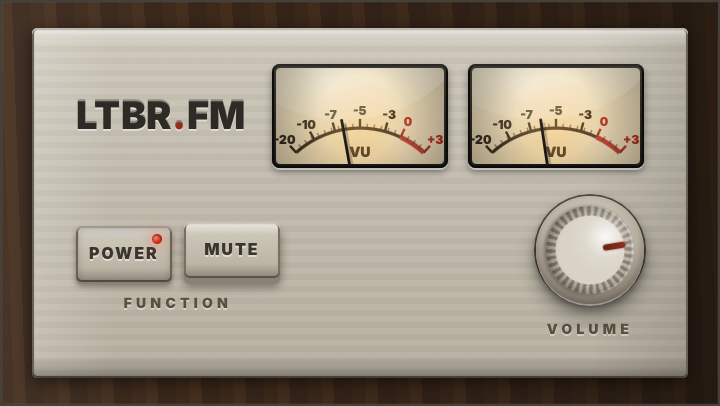
Every face comes in two sizes. The full rig gives you the whole front panel; the compact set trims it down to the essentials — meters, volume, mute — for the corner of a busy desk.
Get the Receiver
Checking the shelf for the latest version…
Prefer the source? Every version of the Receiver lives on the GitHub releases page.